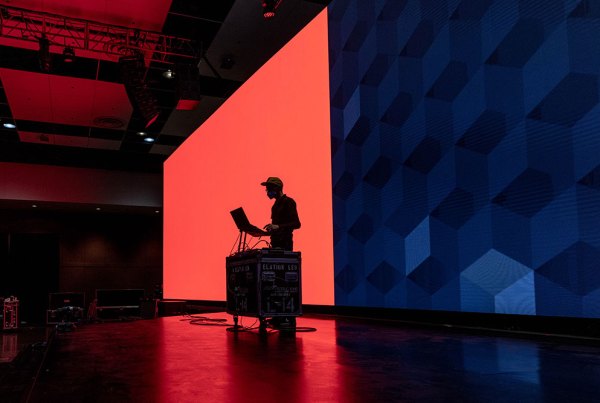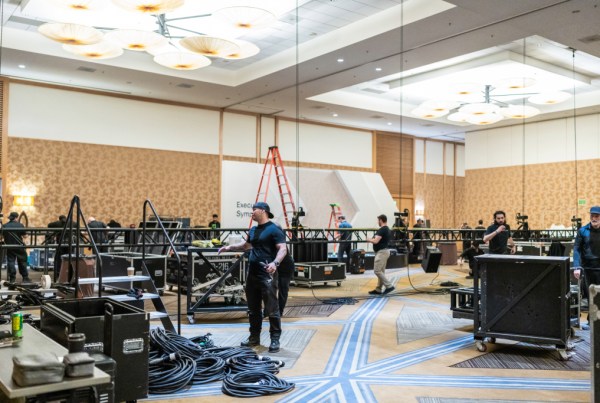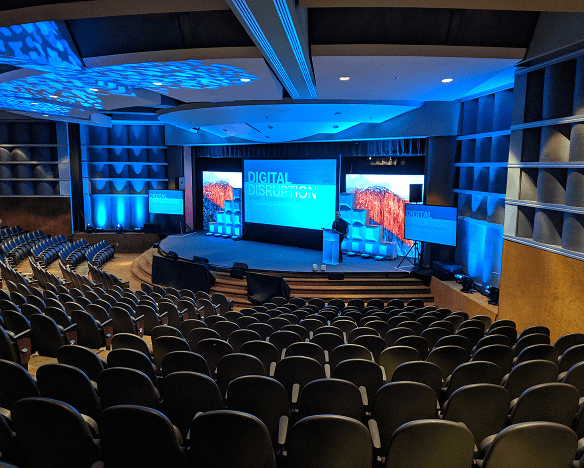
When it comes to executive-level corporate events, nothing creates confidence like a clear, detailed Run of Show (ROS). At AVT Productions, we often call it the backbone of a flawless program. It’s where creativity meets precision: every mic handoff, lighting cue, and speaker transition lives here.
A great ROS doesn’t just keep the production team on track—it gives clients peace of mind knowing that every moment is accounted for.
Below, we break down what we expect from a client’s Run of Show, how AVT builds it into an AV Cue-to-Cue (C2C), the pitfalls to avoid, and the best practices—including file versioning—that keep stress levels low.
What We Expect from a Client’s Run of Show (ROS)
This is the planner-facing document we start from—it eventually becomes our Cue-to-Cue. The strongest ROS documents include:
- Timestamps & durations: Each segment with exact start time and duration. Always include transition time between presenters—this is where the most risk lives.
- Segment title & presenter(s): Who’s on stage for each segment.
- Transition intent: Who hands to whom, whether there’s an MC, and the tone of the handoff.
- Walk-on/exit music: Track name, length, and stingers/bumper notes.
- Presentation platform & specs: PowerPoint/Keynote/Google Slides, aspect ratio, embedded media notes.
- Videos: File name/owner, expected length, and verbal roll cue (can be finalized in rehearsal).
- Confidence monitor needs: Speaker notes, timer, slide preview.
- Q&A format: Handhelds, runners, Slido/live polling, or on-stage mic share.
- Recording/streaming: Yes/No and destination/platform if applicable.
- Point of contact per segment: Who owns content decisions if something changes.
- Slide advancement: Default is presenter-controlled unless otherwise requested.
Summary: The most helpful ROS over-specifies transitions and clearly flags content basics. Clean timing and intent let our show caller focus on cadence, not interpretation.
Versioning & File Naming (Critical for ROS & Content Assets)
If there’s one thing that creates chaos faster than missed transitions, it’s file confusion. We’ve all seen the dreaded:
- Final.pptx
- Final_Final.pptx
- Final_V2_revised.pptx
The risk? The wrong deck ends up on screen.
Our recommendations:
- Simple convention: Filename + date + time (24hr format).
- Example: CEO_Keynote_09-10_1430.pptx
- Clear V1/V2 labels: When iterating, name documents ROS_V1, ROS_V2, etc., with the date/time still attached.
- Single master file: Host in the cloud (Google Drive, OneDrive, Dropbox) so everyone pulls from the same version.
- Communication: If change occur and new files have been updated, remember to communicate the change. Uploading a new file to the folder doesn’t let the team know there has been a change made.
Pro Tip: Versioning isn’t about perfection—it’s about eliminating mix-ups. If the newest file is unmistakable, your risk drops dramatically.
How AVT Builds the Cue-to-Cue (C2C)
This is our live Google Sheet that runs the show—each department owns its columns. From your ROS, we create:
- Cue numbers & exact timing for every action, including transitions.
- Named presets for audio, lighting, and video looks.
- Playback sources & routing: What plays from where to where (e.g., QLab A → Main LED + IMAG).
- File references: Exact file names tied to cues (with clear version labels).
- Mics & changeovers: Numbers, swaps, backstage handoffs.
- Lighting looks & bumpers: Walk-in/out, stingers, bumper timings.
- Confidence monitor setups per segment.
- Stage notes: Furniture, podiums, water, walk paths.
- Live updates: ASM/Producer → Show Caller → Tech Leads keep the sheet current.
Summary: The C2C is the executable blueprint—mapped cue-by-cue, live, and flexible to absorb changes during rehearsal or even mid-show.
Communication & Collaboration
- Single pipeline: ASM/Producer → Show Caller → Tech Leads.
- Live master doc: A Google Sheet updated in real time.
- No “doc lock”: Agility is expected—changes are designed into the workflow.
- Rehearsal reps: Transitions get the most practice, since that’s where risk lives.
- Client-involved deep dive: A 2-hour review the week prior with client, show caller, and producer to align on transitions and presets.
- Content delivery target: ~72 hours before load-in (earlier is always better).
Common Pitfalls
- Missing transition time → Programs drift and run long.
- Vague transition intent → Awkward pacing.
- Platform mismatches → Rendering or playback issues.
- No verbal roll cues → Premature or late video playback.
- Unplanned Q&A logistics → Confusion during live audience interaction.
- File chaos → Wrong deck onscreen.
- Lower-thirds info missing → Incorrect names/titles in graphics.
Summary: Most issues arise from ambiguity. A well-structured ROS and clear versioning prevent last-minute confusion.
Best Practices
- Spotlight transitions with timing, intent, and music.
- Declare presentation platforms
- Note video files + verbal roll cues.
- Adopt versioning rules: Filename + date/time + V1/V2 when iterating.
- Color-code cues in the live sheet.
- Plan Q&A logistics.
- Designate a client-side content owner.
- Target 72-hour content delivery.
- Expect preflight QA from your production partner.
- Count on reasonable redundancy and backups.
- Use templates aligned to your production partner’s C2C workflow.
Real-World Example
At a recent executive leadership event, a presenter needed to move their segment up and let us know just five minutes before they were going to be onstage. Because the ROS and C2C were solid, and every file was clearly labeled with versions (DeckName_0905_1730_V2.pptx):
- The ASM/Producer routed the change.
- The Show Caller updated the live sheet.
- Tech leads flipped presets and routing instantly.
The audience saw a seamless transition with no dead air.
Summary: Detailed transitions and disciplined file versioning let us absorb a lastminute reorder without visible disruption.
Why This Matters
A clear Run of Show keeps your program:
- On schedule
- On brand
- On budget
And most importantly: it keeps stress levels low.
At AVT Productions, this level of detail is baked into our Proven Process. From discovery call to execution, we make sure your Run of Show is built for both precision and agility—so you can focus on the message, not the mechanics.
Ready to build your next Run of Show?
Let’s talk about how AVT can make your event stress free from start to finish. Contact us today.